|
This is the Big One! This is the most requested topic
when it comes to Microsoft Word training: how to perform a Mass
Mailing with Mail Merge. All of our Word students throughout
the years have begged us to teach them Mail Merge, and in this course we
will cover all of the details. We'll show you how to Mail Merge using
Word by itself, and also using data sources from Excel and
Access. We'll also show you how to do a Mass Emailing using
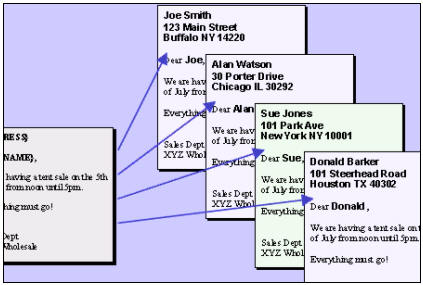
Microsoft Outlook. We will begin by
learning about Mail Merge, what it is, and what you can do with
it.
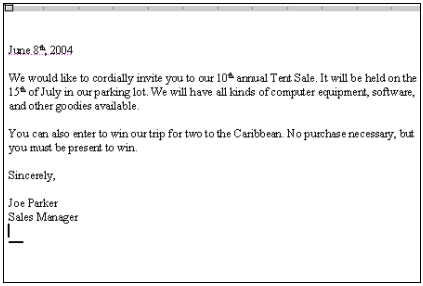
We'll learn how to set up a basic form letter
- we'll make it a sales advertisement.
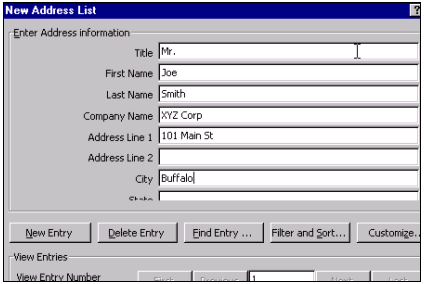
Then we'll learn how to set up a data source
in Microsoft Word. We'll create a small database of names and addresses
to use in our mailing.
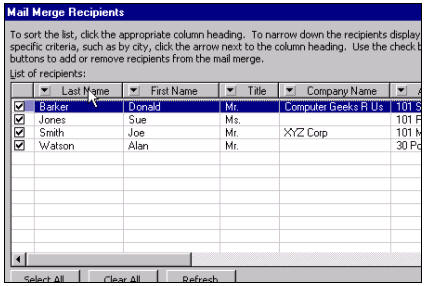
We will learn how to sort and filter
our data source records to manipulate the mail merge results.
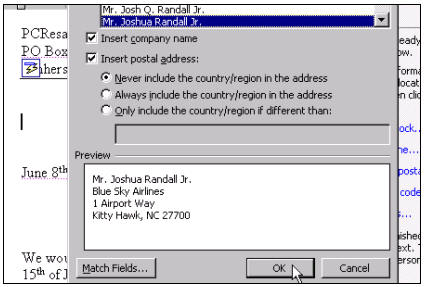
We will learn all about Merge Fields, and
how to insert Address Blocks, Greeting Lines, and other
Merge Fields into our documents.
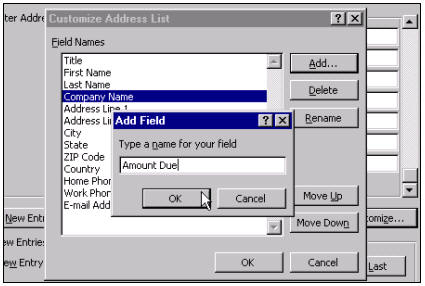
Next, we'll learn how to add custom fields
to our data sources, so we can track other information besides just
names and addresses - to truly customize our mailings.
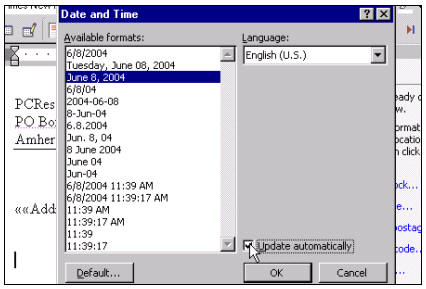
We'll see how to insert automatic date codes
into our documents so that the date will update itself each time the
mail merge is run.
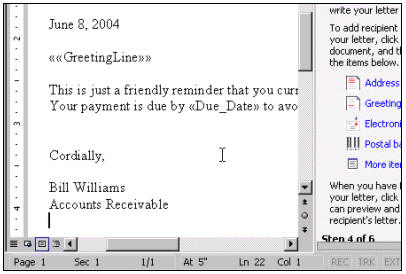
Our next project will be to use these two concepts
to build a customized collection letter that we can send to our
delinquent customers.
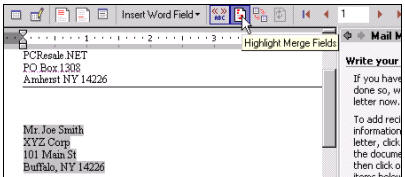
We will learn all about the different items on the
Mail Merge Toolbar.
Now comes the really cool stuff. Next, we'll learn
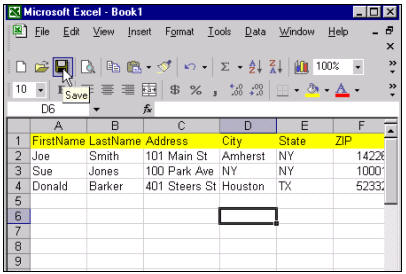
learn how to create a data source in Microsoft Excel, and how to
merge that information into a Word document mailing. No prior Excel
knowledge is necessary (I'll take you through the basics step-by-step),
but if you take Excel 101
first, you'll get a good jump on the material.
In the following lesson, we'll do the same thing
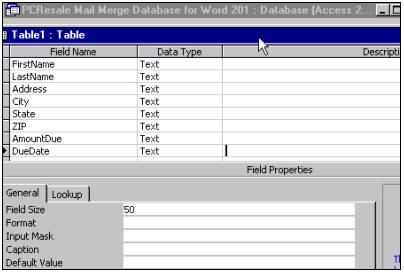
using Microsoft Access. Access is a database program and is
really the best tool of choice if you have really large mailings with
thousands of recipients. Again, you don't need any Access knowledge
beforehand, but Access
101 will help.
Next, we'll learn how to use all of the Mail Merge
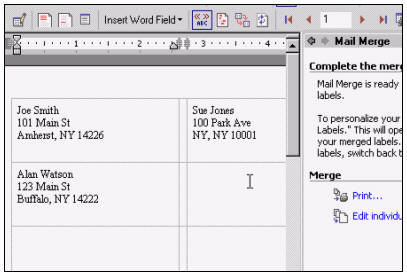
techniques we've learned so far to generate Mailing Labels for
all of our recipients.
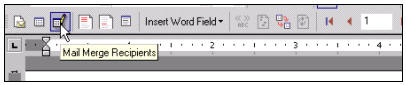
Then, we'll learn how to run through a Mail Merge
without using the Wizard. We'll stick to just the Mail Merge
Toolbar.
Next, we'll learn how to use Word with
Microsoft Outlook to send mass emails. No, we don't condone the use
of spam, but sending out mass email bulletins to your customers or other
folks who have opted-in to your mailings is a great way to build
your business.

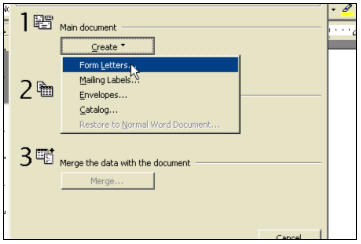
For those of you who still have Word 97 or Word
2000, we will run through a mail merge once using Word 2000
(which is almost exactly the same as Word 97). This will allow you to
see the differences between 2000 and XP - which are mostly just
cosmetic.
Again, if you have any interest at all in mass
mailings, whether you're sending letters, catalogs, brochures, late
notices, sales info, or anything that needs to be customized
and/or distributed to a large number of people, this course is
for you. Heck, even if you're just sending out vacation postcards to
twenty family members, mail merge can help you organize and
produce your mailing. Don't miss this course.
|